- Log into your Client Area account
- Click on "Home" if it doesn't automatically redirect you after logging in.
- Click on "Update Your Details" where your account information is shown.
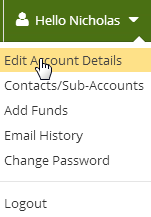
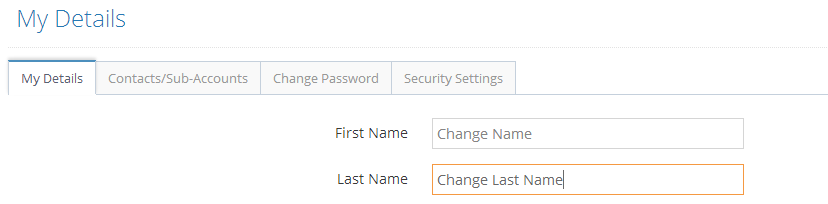
- Change your details, and remember to click "Save Changes"Â
To update your details, follow these simple steps.