NOTE: Restoring a backup stops your service.
1) Go to your service and click the "Restore Backup" button.Â
2) Click the .zip in the drop-down for which restore you want to restore.Â
You should get a list as such
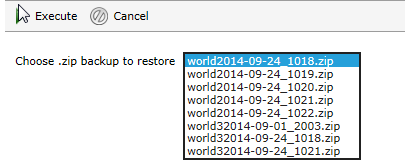
3) Click execute and it should unzip.
NOTE: This will overwrite your old world under the same name (as the world name at the start of the zip)Â
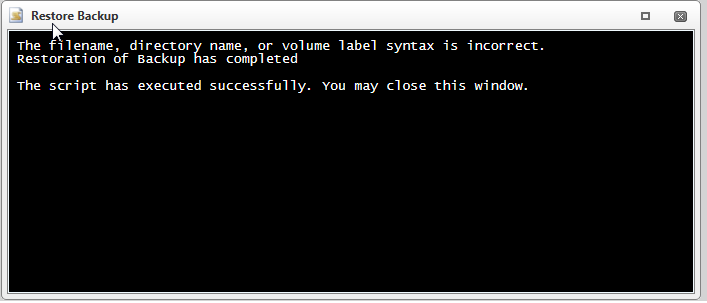
You should receive a message that it has completed.
Require help? Contact support for extra assistance